You've downloaded trades from three exchanges, connected a DeFi wallet, and opened a spreadsheet to sort out a year of small swaps. Then you notice the same assets moving between accounts, deposits without purchase prices, and staking rewards mixed with transfers. The arithmetic isn't the hard part. Matching each disposal to the right acquisition record is.
Crypto tax software imports those records, reconciles transactions, calculates cost basis, and produces reports for your accountant or filing software. Depending on the product, you can connect exchange APIs, import wallet addresses, or upload CSV files. You still need to review missing history, duplicate entries, and transaction labels before trusting the totals.
For freelancers receiving digital assets, separating business receipts from investment activity matters too. Keep cryptocurrency reporting guidance for self-employed taxpayers alongside your transaction records rather than assuming a capital-gains report covers everything.
Start with two questions: How many transactions do you have, and how many platforms do they span?
Those answers matter more than a polished dashboard. A busy exchange account creates a volume problem; a smaller portfolio spread across wallets and protocols creates a reconciliation problem.
The tools below offer different combinations of platform coverage, transaction-based pricing, country support, and export formats. Pay particular attention to the download rules. Free importing often lets you inspect your records, but it doesn't necessarily give you a filing-ready report.
Table of Contents
- 1. Koinly
- 2. CoinLedger
- 3. CoinTracker
- 4. ZenLedger
- 5. TokenTax
- 6. Summ (formerly Crypto Tax Calculator)
- 7. Awaken
- 8. Coinpanda
- 9. Bitcoin.Tax
- 10. CoinTracking
- Crypto tax software at a glance
- Matching Your Tool to Your Filing Before Tax Season
1. Koinly
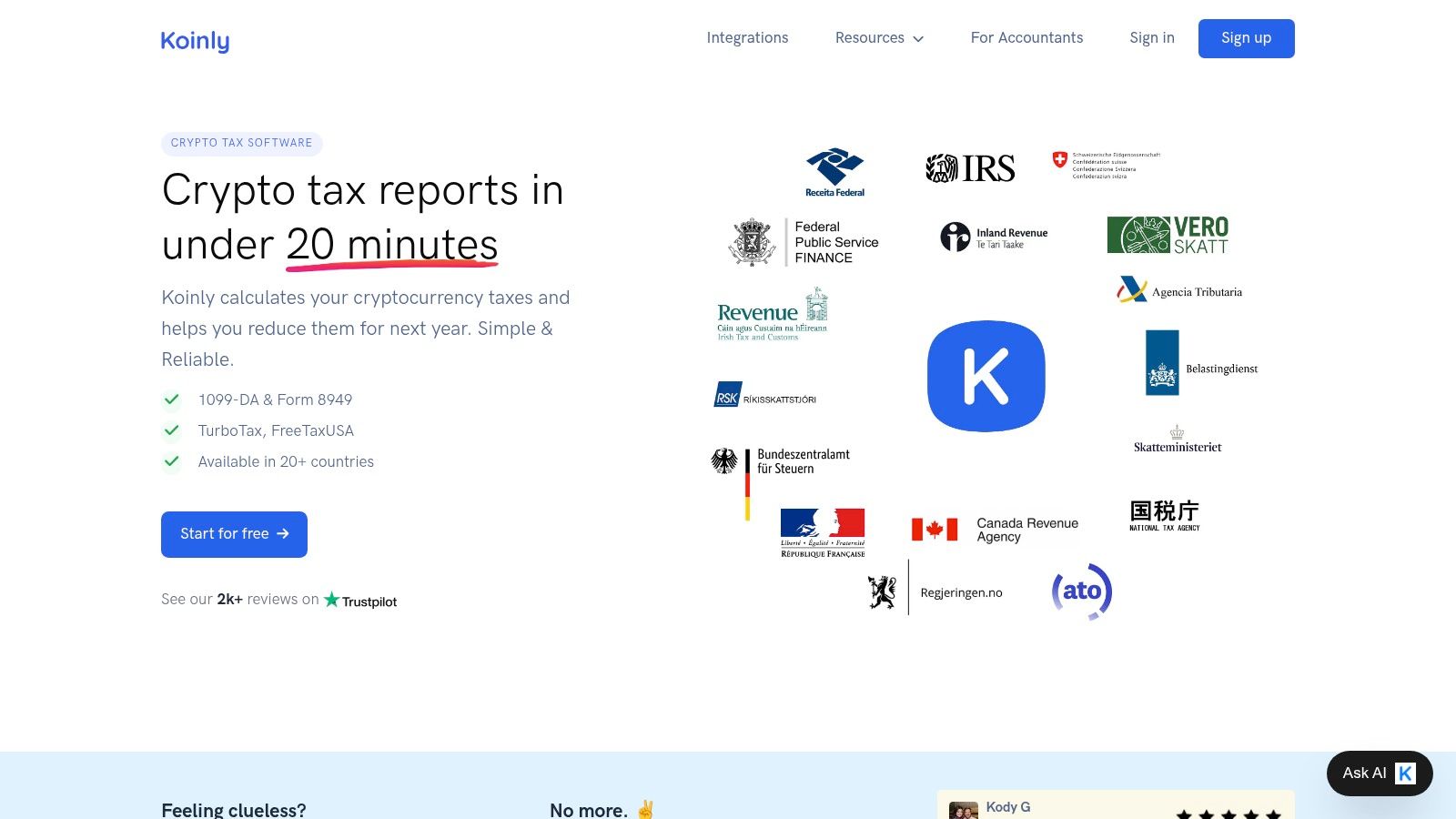
Koinly is a sensible starting point for activity spread across exchanges and self-custody wallets. It imports transaction histories, calculates gains and income, and supports DeFi and NFT records alongside conventional trading.
The useful distinction is between connecting everything and reconciling everything. An imported wallet can still contain unmatched transfers or missing acquisition records, so judge the results by whether you can trace assets through their full history.
Where the free preview helps
Koinly lets you import data and preview tax summaries before buying a report. Downloads require a paid plan, and transaction limits affect which plan you need.
- Platform spread: Listed plans allow unlimited wallet and exchange connections, useful when your records are fragmented.
- Filing workflow: Export options include TurboTax and TaxAct formats, alongside country-specific reports.
- Calculation settings: FIFO, LIFO, and HIFO options provide flexibility, but availability doesn't establish whether a method suits your jurisdiction.
I'd shortlist Koinly when coverage is the main concern, then test the most complicated wallet before paying. A clean exchange import tells you little about how the software will classify liquidity-pool withdrawals.
International users should distinguish tax calculations from information reporting. Our guide to DAC8 crypto reporting changes provides useful context, but a country setting isn't a substitute for advice when your residence changes.
2. CoinLedger
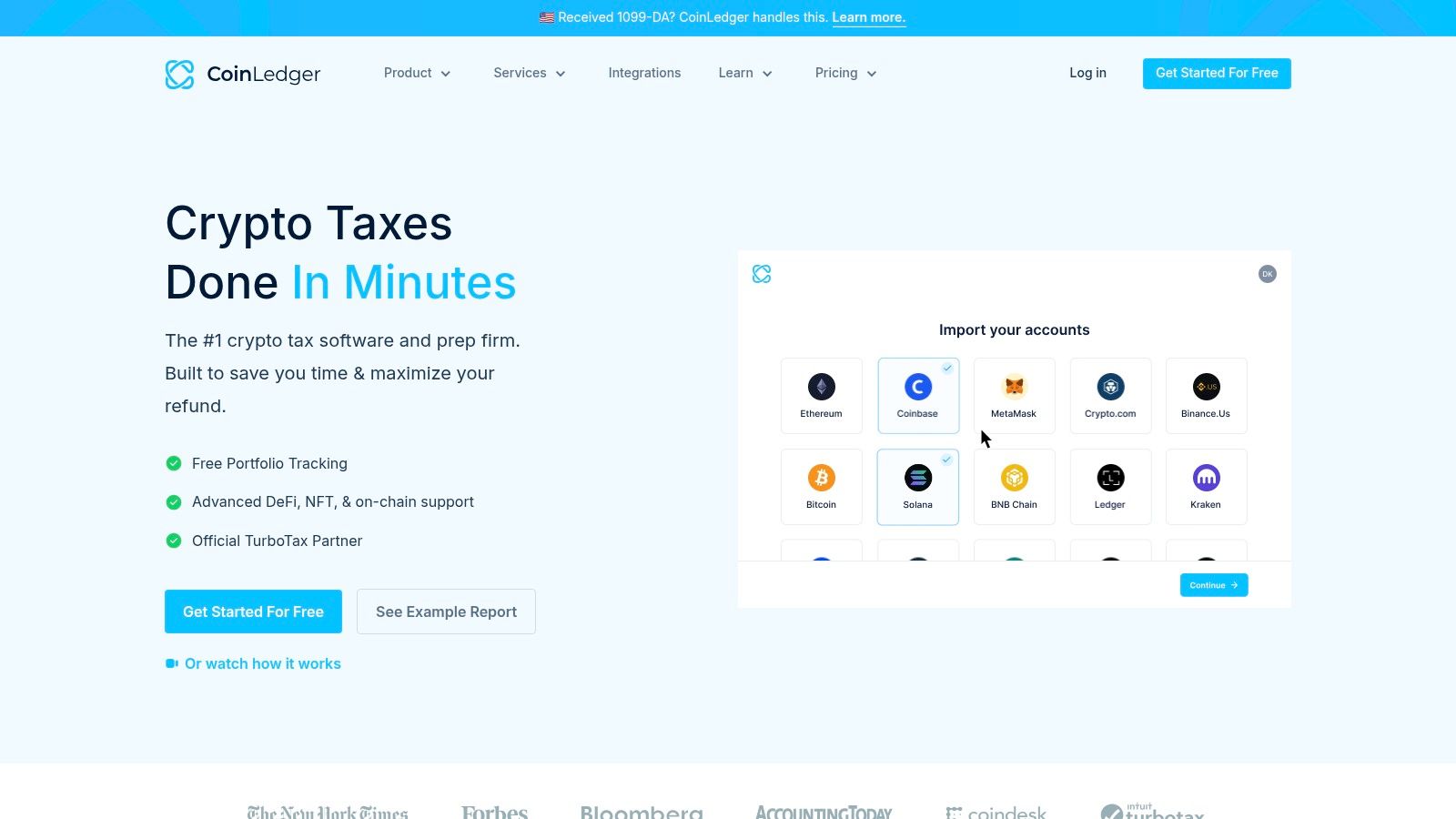
If you want to organize records first and purchase a report afterward, CoinLedger's free importing workflow is appealing. It combines wallet and exchange syncing with portfolio tracking, so you can inspect your history before committing to a tax-report purchase.
CoinLedger offers one-time report purchases rather than making the preview itself the paid product. Budget for the report download, and check the transaction tier after importing your complete history rather than estimating from trades alone.
Pick it for a straightforward reporting workflow
CoinLedger suits filers who want to move from imported records to reviewed calculations and then into tax-preparation software. Portfolio tracking is useful between filing seasons, but it shouldn't be the deciding feature if your main problem is missing basis.
Before buying, inspect:
- Transfers: Confirm withdrawals and deposits between your accounts are paired appropriately.
- Income labels: Separate rewards and other receipts from ordinary asset movements.
- Export compatibility: Check that the report format matches your filing software or accountant's requirements.
The trade-off is familiar: broad integration coverage doesn't guarantee correct classification of every protocol interaction. If your portfolio includes bridges, vaults, or unusual tokens, use those transactions as the trial rather than relying on the dashboard balance.
I'd favor CoinLedger for someone who values a clear import-review-export process. Heavy on-chain users should make their choice only after examining how the transaction ledger handles their actual activity.
3. CoinTracker
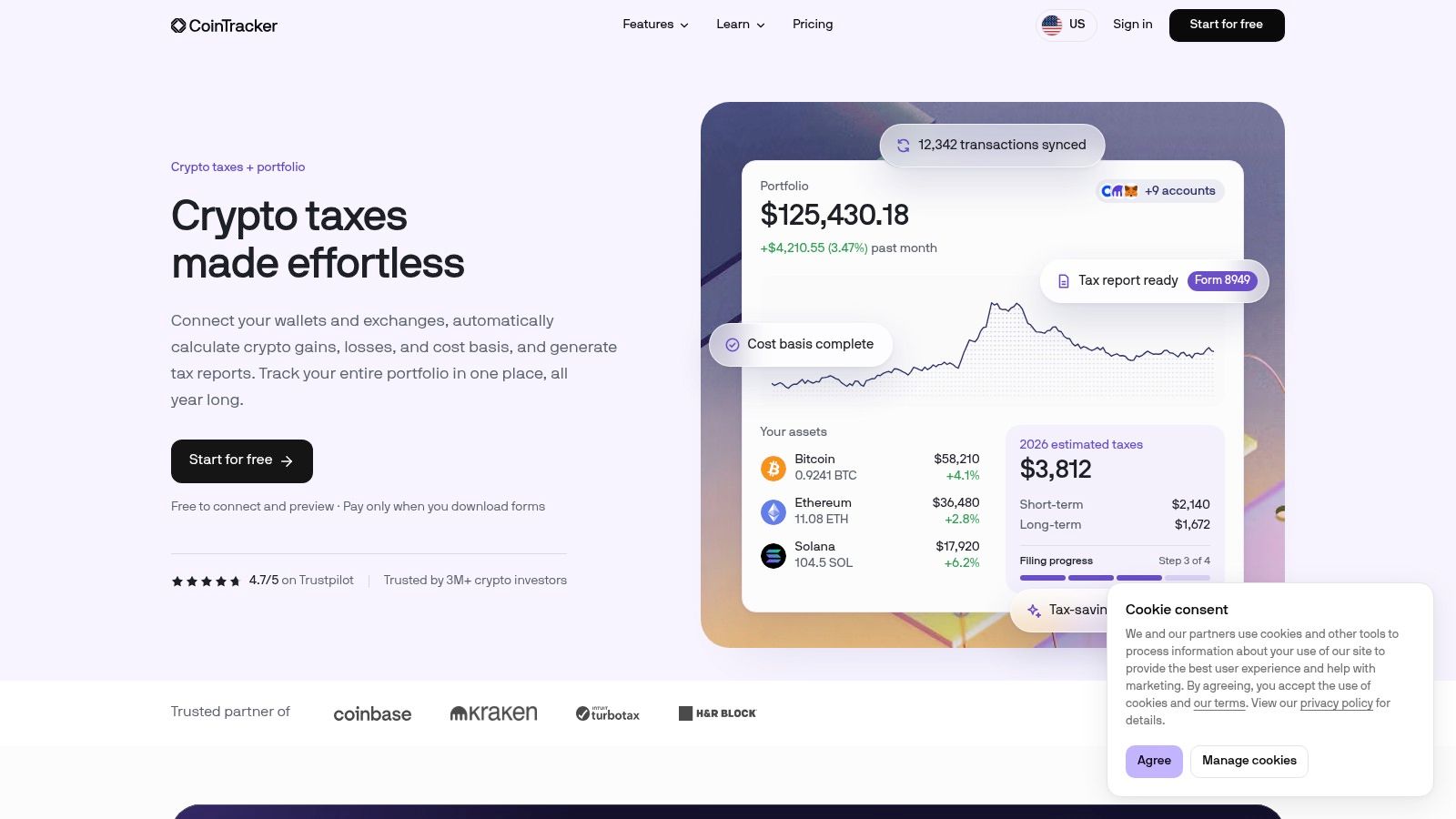
CoinTracker makes sense when ongoing portfolio tracking and tax preparation belong in the same workflow. Its TurboTax and H&R Block integrations are particularly relevant to US filers who want to move reviewed crypto calculations into their broader return.
CoinTracker offers free portfolio tracking and a tax-summary preview, while downloadable tax forms sit behind paid access. Paid plans organize limits around current-year activity, with earlier years excluded from that current-year transaction allowance.
That distinction can matter when older acquisitions support assets sold during the filing year. You still need the historical records, even when the billing calculation treats them differently.
A portfolio balance tells you what you hold. A defensible tax ledger explains how you acquired it and what happened when you disposed of it.
Higher tiers add features such as tax-loss-harvesting tools, and full-service assistance is available. Don't upgrade merely because a gain looks wrong; investigate missing wallets, duplicates, and labels first.
Crypto-card users should also check whether their records distinguish card funding from subsequent conversions or spending. Our guide to whether you pay tax when using a crypto card helps frame those questions.
Choose CoinTracker if its filing integrations and ongoing tracking suit you. If complex DeFi dominates your history, test the classifications as carefully as you test the exchange connections.
4. ZenLedger
Some filers don't just need a calculator. They need a route to professional help when staking receipts, NFT trades, or incomplete exchange records become difficult to reconcile.
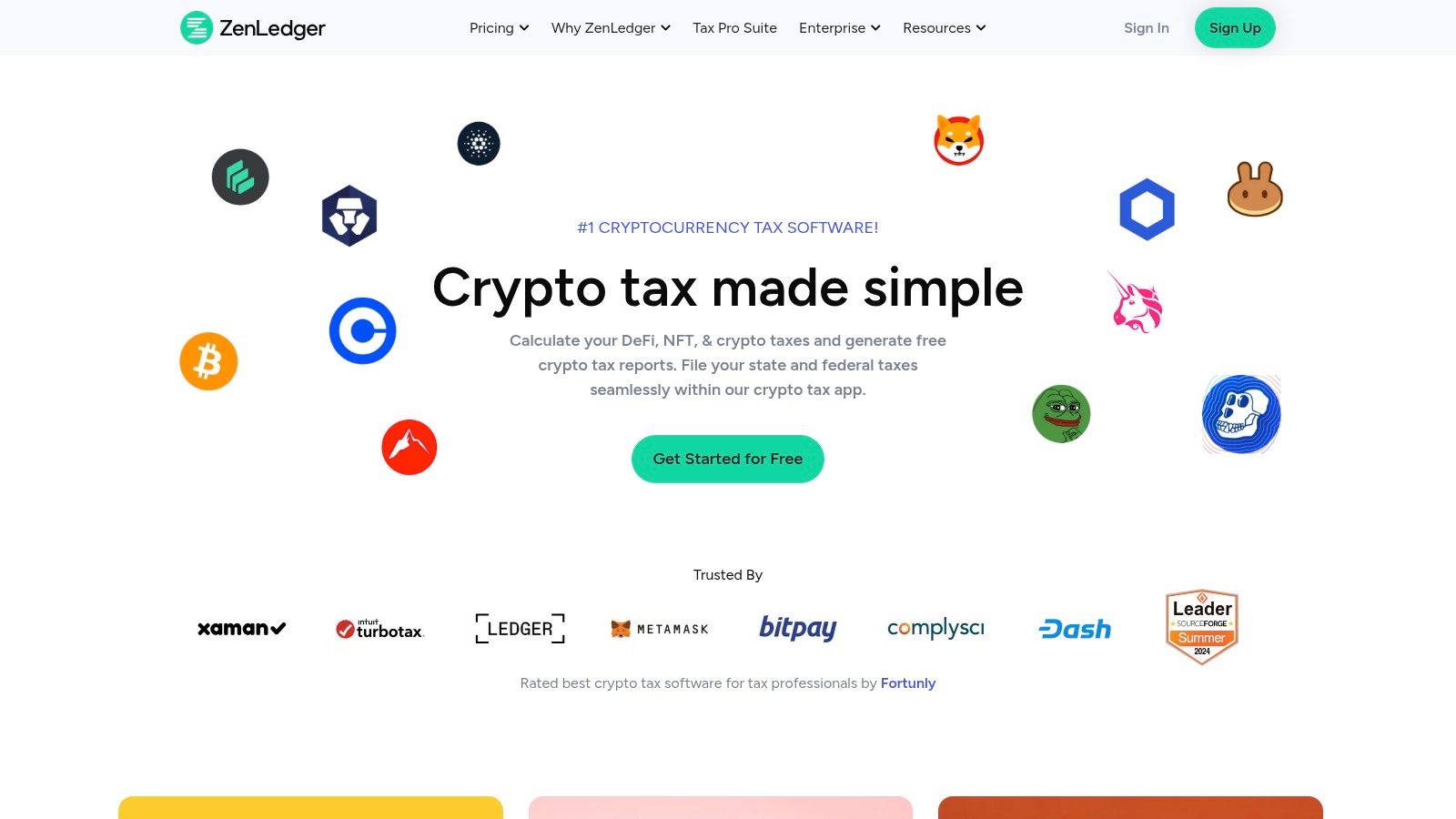
ZenLedger combines self-service crypto tax software with optional tax-professional assistance. It supports transaction importing, tax and audit reports, and activity involving DeFi, staking, and NFTs.
Separate software access from professional work
ZenLedger offers free transaction importing, paid reporting plans, and professional assistance as an additional service. Don't assume a software subscription includes an accountant reviewing your ledger or preparing your return.
- Useful features: TurboTax integration and audit-oriented reporting support the handoff from calculations to filing.
- Flexible calculations: FIFO, LIFO, and HIFO options let you configure supported methods.
- Main limitation: Complicated transactions can still need reconciliation before a report becomes useful.
For a practical trial, follow a staking receipt through to its later sale. Check the receipt's classification, assigned value, and connection to the eventual disposal rather than stopping at the income total.
ZenLedger is worth shortlisting if you want to begin with self-service importing but retain a route to professional help. Confirm what that help includes, particularly whether someone will reconstruct missing records, review classifications, or only answer product questions.
The cost trade-off isn't just a higher transaction tier. It's the difference between paying for software capacity and paying someone to resolve the underlying accounting problem.
5. TokenTax
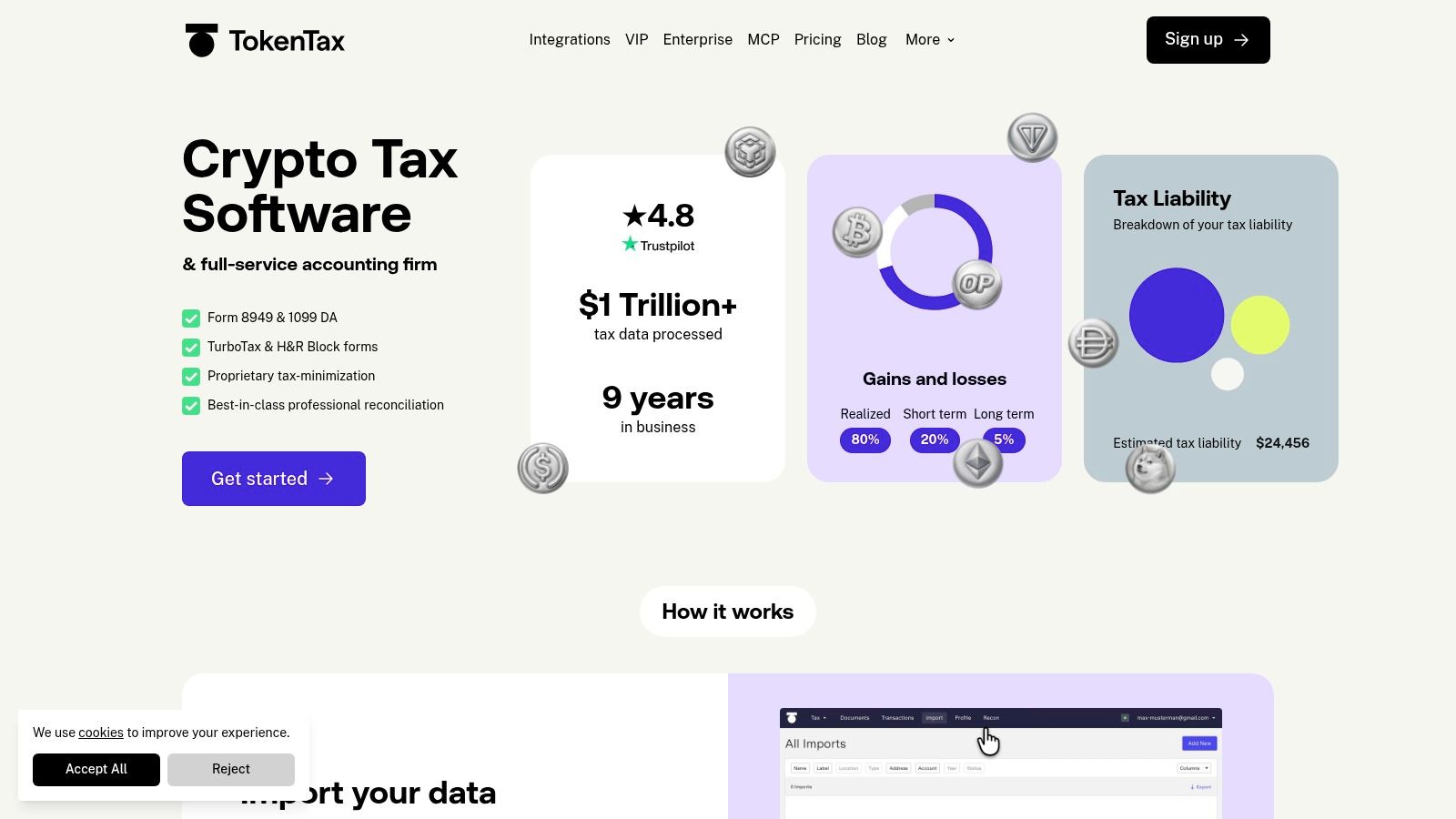
TokenTax deserves consideration when you may need accounting or filing services as well as software. It offers self-service reporting with a progression toward expert consultations, reconciliation help, and return preparation.
That makes the purchasing decision different from choosing a report generator alone. You're assessing both the software's coverage and the scope of any professional engagement.
TokenTax provides centralized-exchange support, DeFi and NFT activity views, international reporting, and calculation methods including FIFO, LIFO, and specific identification. The base software plan doesn't include every expert or filing service, so compare the complete scope rather than the entry offer.
Who should consider it
TokenTax fits a filer who expects to need help explaining the ledger, not just downloading it. Someone with straightforward exchange trades may have less reason to pay for a service-oriented package.
- Ask about reconciliation: Establish whether the engagement includes matching transfers and reconstructing missing acquisition history.
- Separate deliverables: A gains report, an expert consultation, and a filed return are different purchases.
- Check platform eligibility: Make sure your exchanges and transaction types are supported by the plan you're considering.
Higher tiers can include more involved reconciliation and tax-loss-harvesting features. Those additions are useful only if they address your actual filing problem.
I'd compare TokenTax on total work completed, including what remains your responsibility. Paying for expertise can make sense; paying for a larger software tier while unresolved records remain untouched is a different proposition.
6. Summ (formerly Crypto Tax Calculator)
An old wallet can make a current filing surprisingly difficult. You may need historical acquisitions, earlier swaps, and past reward receipts before the software can calculate the basis of assets sold now.
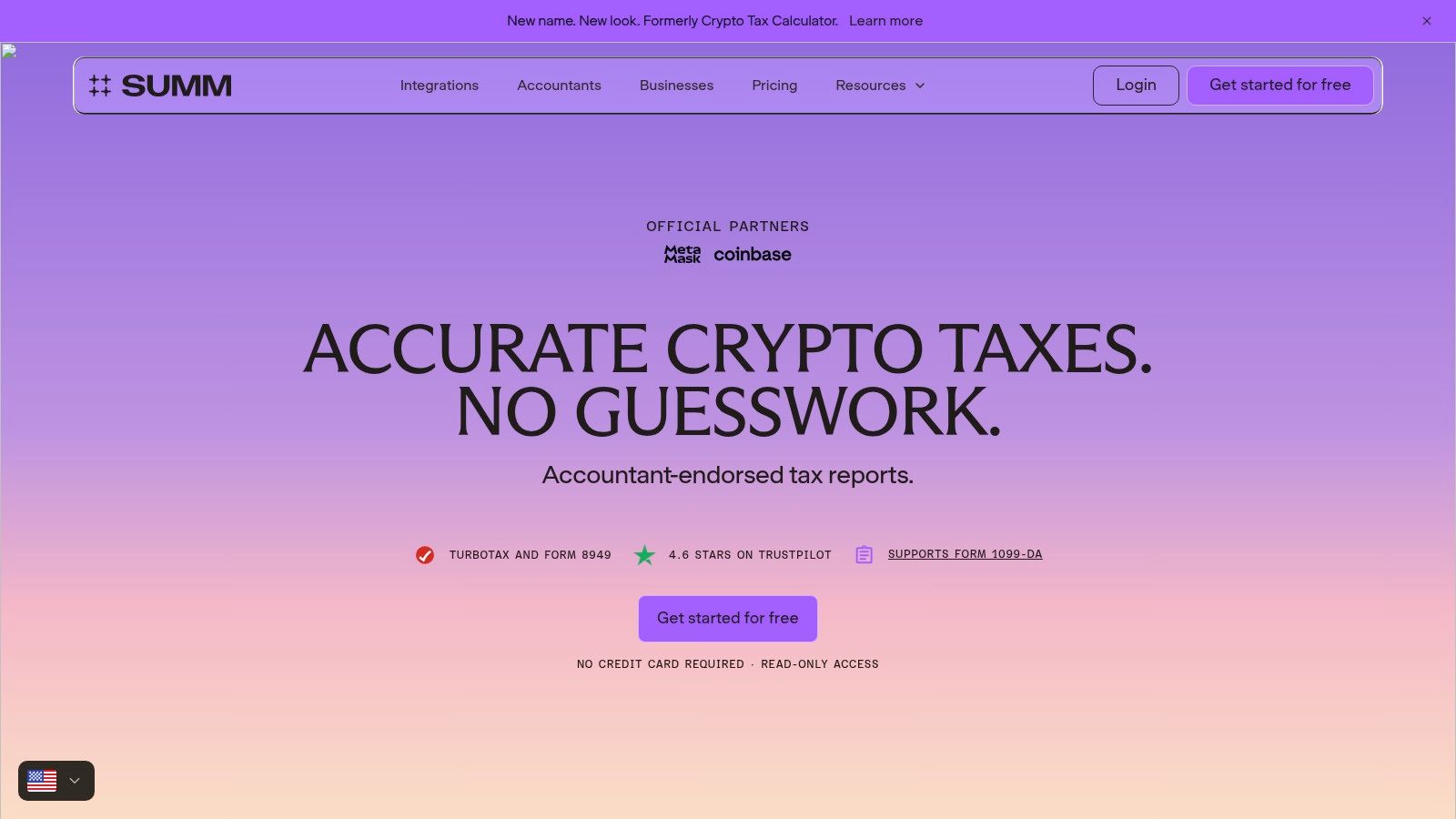
Summ, formerly Crypto Tax Calculator, is worth evaluating for on-chain activity and historical reporting. It imports exchange, wallet, and blockchain records and helps categorize DeFi and NFT transactions.
Test the history, not just the current year
Summ allows a free start for importing and reviewing transactions, but report downloads require paid access. The provider offers historical calculations under an annual subscription, making the subscription's coverage important if you're catching up on past filings.
Export options include TurboTax and H&R Block formats. Before subscribing, establish how the transaction allowance applies to your imported history and which historical reports you'll be able to download.
A useful trial should include:
- An older acquisition: Check that its basis remains attached through later transfers.
- A protocol interaction: Inspect how deposits, withdrawals, and rewards are categorized.
- A correction: Confirm you can explain and preserve a manual classification change.
Summ's on-chain support doesn't remove the need for judgment. A recognized smart-contract interaction can still require a tax interpretation that depends on your country and the arrangement's details.
Choose it if the historical access and transaction-review workflow fit your records. Don't treat automated categorization as proof that every imported event has received the right tax treatment.
7. Awaken

For a wallet full of staking, NFTs, and DeFi interactions, Awaken is a relevant candidate because its focus is crypto-native activity. It combines exchange and wallet importing with tax reporting and offers a full-service bookkeeping option.
Awaken provides free tracking and a gains preview; tax reports require a paid plan. Paid access includes current and past-year reports, while advanced tax settings depend on the plan.
The important test is how clearly you can review the imported events. You want to understand why an entry became income, a disposal, or a transfer, particularly when a protocol bundles several actions together.
Protocol support means the software can work with the activity. It doesn't mean you can skip checking its interpretation.
Practitioner coverage from Altcoin Investor identifies staking, yield farming, derivatives, and freely received crypto as areas where taxpayers still face classification uncertainty. That's a reason to inspect the transaction details, not merely compare supported-chain lists.
Awaken suits on-chain users willing to review classifications or pay for bookkeeping assistance. Very light exchange-only activity gives you less reason to prioritize its crypto-native focus.
If card rewards are part of your records, keep their terms and payment history too. Our guide to whether crypto-card cashback is worth it can help you evaluate rewards without losing sight of the recordkeeping they introduce.
8. Coinpanda

Country coverage should mean more than finding your location in a dropdown. You need the appropriate calculations, usable report formats, and a transaction ledger that your preparer can inspect.
Coinpanda combines portfolio tracking with crypto tax reports, exchange and wallet integrations, and support for on-chain and smart-contract activity. Accountant access is useful if you want your preparer to examine the records directly rather than work from a summary alone.
Confirm what your payment unlocks
Coinpanda allows free importing and review before charging for report downloads. Check the tax-year entitlement carefully, including whether historical reports are included and whether separate years require separate purchases.
- Good fit: Users comparing international reporting options and accountant collaboration.
- Useful trial: Import a wallet with transfers and smart-contract activity, then examine the classifications.
- Main trade-off: Compare the applicable transaction tier against alternatives, not just the cheapest advertised plan.
For mobile users, preserve acquisition dates, wallet ownership evidence, and records showing when activity occurred. Moving country doesn't erase the history needed to explain a later disposal.
Coinpanda is worth considering when its local reporting and collaboration features match your filing needs. If you changed tax residence, don't expect a country switch to resolve allocation questions automatically.
I'd prioritize the quality of the export and the preparer's ability to inspect it over the breadth of the country list. A report you can explain is more useful than nominal global coverage.
9. Bitcoin.Tax
Bitcoin.Tax puts tax calculations ahead of a broader portfolio-management experience. Its appeal is the combination of transaction-volume options and support for distinct national accounting treatments.
Bitcoin.Tax offers a limited free tier and paid individual plans, with reports designed for use alongside tax-preparation software. Review the free tier's report entitlement directly rather than assuming its download rules match those of the preview-only products above.
Evaluate the accounting rules
The software includes FIFO and specific-identification methods, US tax reporting, Canadian adjusted-cost-basis and superficial-loss support, and UK pooling-related functionality. Those differences matter more than dashboard styling if they match your filing jurisdiction.
- For active traders: Compare the paid transaction allowance against the size of your complete import.
- For international filers: Inspect how the relevant local treatment appears in the calculation details.
- For portfolio watchers: Expect a tax-focused workflow rather than choosing it primarily for ongoing portfolio features.
The limitation is that calculation support can't repair incomplete records on its own. You still need to verify imports, connect transfers, and establish where assets originally came from.
Bitcoin.Tax is a sensible candidate for someone who knows which accounting treatment they need and wants a tax-centered tool. It may be less attractive if your priority is a polished, all-purpose tracking dashboard.
Before committing, generate a representative calculation and inspect the underlying entries. Being able to explain the result matters more than recognizing the name of a supported method.
10. CoinTracking
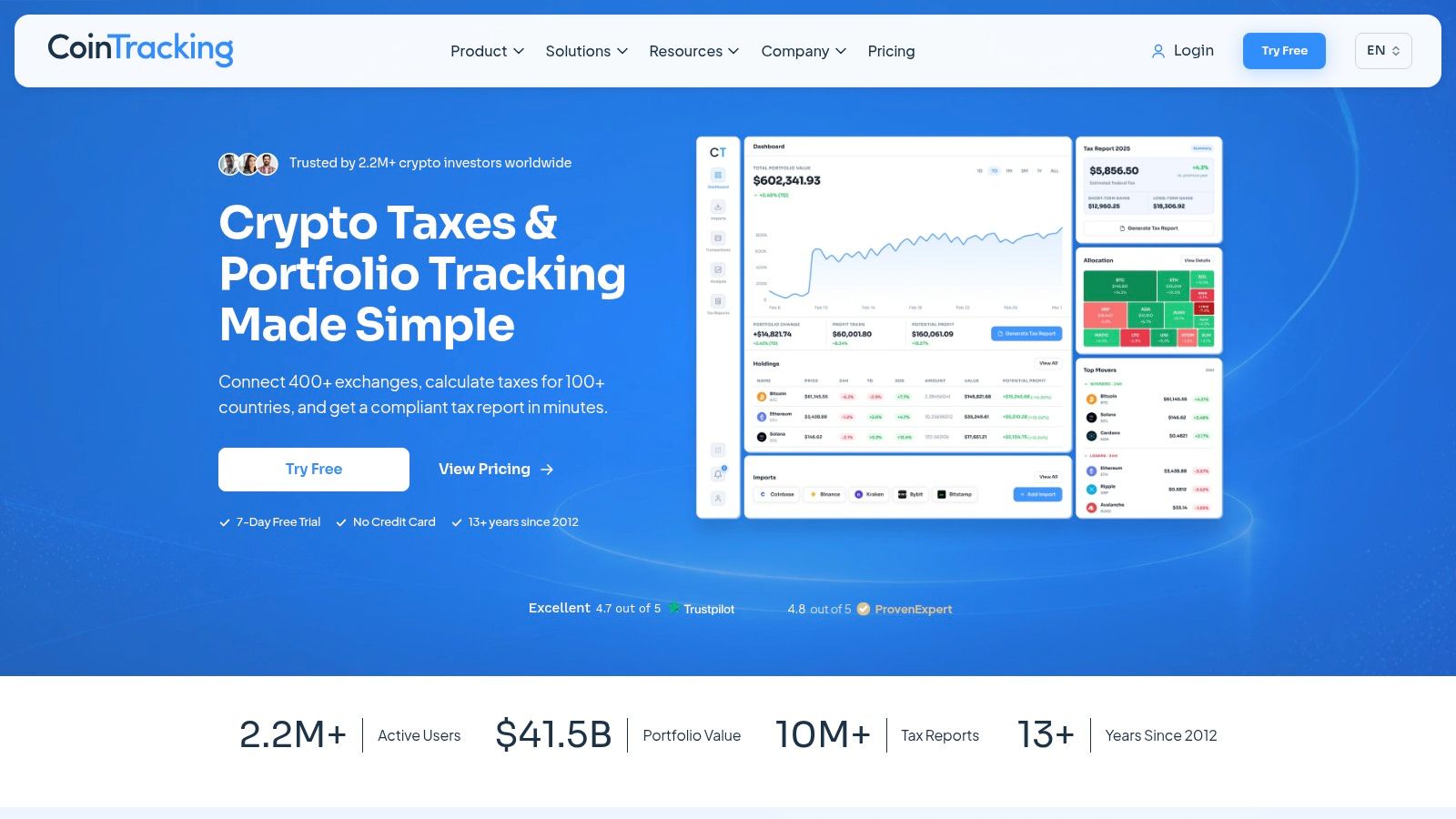
CoinTracking is worth shortlisting when you want portfolio analytics, transaction management, and tax reporting together. It also offers paid access covering reports across multiple tax years during the plan period.
CoinTracking provides free and paid plans, with annual, multi-year, and lifetime access options. Check report access, transaction capacity, and subscription duration separately before deciding which purchase represents better value.
A longer access period isn't useful if the transaction limit is too low. Equally, a large allowance won't help if you haven't confirmed the import method for an exchange holding essential historical records.
Best suited to ongoing record maintenance
CoinTracking makes more sense for someone who wants to maintain a detailed ledger than for someone seeking only a quick annual download. Portfolio analytics can support that ongoing workflow, but tax reconciliation remains a separate task.
- Historical filings: Confirm which reports you can generate while your plan is active.
- Growing activity: Leave room for additional imported records and corrections.
- Long-term access: Compare recurring and lifetime options against how you expect to use the software.
The trade-off is the amount of configuration and review you're willing to undertake. Having transaction-management tools is useful only if you keep the ledger organized.
I'd consider CoinTracking for active traders and filers maintaining longer records. For a small, uncomplicated history, a simpler import-and-report workflow may be easier to manage.
Crypto tax software at a glance
Your shortlist depends mainly on two things: how many transactions you need to report and how many exchanges, wallets, and other platforms they span. The table compares each tool's general fit and what you can do before paying. Pricing changes, so confirm current plans and download access on each provider's site before importing your records.
| Tool | Free option | Best for |
|---|---|---|
| Koinly | Importing transactions and previewing a tax summary | Multi-platform activity and international reporting |
| CoinLedger | Importing and portfolio tracking | Reviewing data before buying a report |
| CoinTracker | Portfolio tracking and tax-summary preview | US filers seeking an integrated tax-preparation workflow |
| ZenLedger | Importing transactions | DeFi users who may want professional tax help |
| TokenTax | No free tier | Self-service reports with expert-service upgrades |
| Summ (formerly Crypto Tax Calculator) | Importing and reviewing transactions | On-chain activity or historical records |
| Awaken | Tracking and gains preview | Crypto-native activity and hands-on bookkeeping |
| Coinpanda | Importing and reviewing transactions | Support across multiple tax jurisdictions |
| Bitcoin.Tax | Free option available; check the provider's current terms for its limits | High-volume users and Canadian or UK tax accounting |
| CoinTracking | Free plan available | Multi-year reporting and portfolio tracking |
Matching Your Tool to Your Filing Before Tax Season
Start with an inventory, not a subscription. List every exchange, wallet, blockchain, staking service, and card account involved in your activity, including accounts you no longer use.
Then establish transaction volume and platform spread separately. A high-volume exchange trader needs sufficient capacity; a lower-volume DeFi user may need better classification controls and more manual review.
Import your records on a free tier where available, using read-only API permissions rather than trading or withdrawal access. Include historical acquisitions needed to support later disposals, and retain the original CSV files so you can investigate discrepancies without relying entirely on a synced account.
Make the trial answer practical questions
- Coverage: Did every relevant platform import, including deposits, withdrawals, fees, and rewards?
- Reconciliation: Can you trace transferred assets back to their acquisition records?
- Country support: Does the product apply the treatment you need, not merely display your currency?
- Exports: Can your accountant or filing software use the output?
- Purchase scope: Does payment provide access to the required downloads, tax years, and transaction allowance?
Don't compare previews by choosing whichever shows the lowest gain. Compare their treatment of the same transactions and investigate why the results differ.
Resolve flagged transactions before filing. Work backward from missing basis to the acquisition, pair transfers using transaction hashes and account records, and remove duplicate API and CSV imports carefully. Keep notes explaining manual changes so your preparer can understand what you changed and why.
If a protocol's treatment remains uncertain, preserve the transaction facts and get advice on the classification. Changing a label until the total looks plausible isn't reconciliation.
For business activity, keep operating receipts and expenses distinguishable from personal investments. Guidance on crypto tax compliance for Jacksonville companies is relevant when bookkeeping and business reporting need attention beyond an investor gains report.
Before purchasing, confirm current pricing and download rules on the tool's official site. Check whether billing follows a tax year or subscription period, how transaction limits work, and whether expert assistance is included.
Treat the software output as a draft to review with a qualified tax professional, especially where records are incomplete, DeFi classifications are disputed, or tax residence has changed. The right tool is the one that produces a complete, explainable ledger at a cost you understand before paying.
Our independent comparison site helps you compare crypto debit and credit cards by fees, KYC requirements, cashback, supported assets, and regional availability. Visit NomadCards to narrow your card options, then include the chosen card's funding, conversion, and rewards records in your crypto tax workflow.